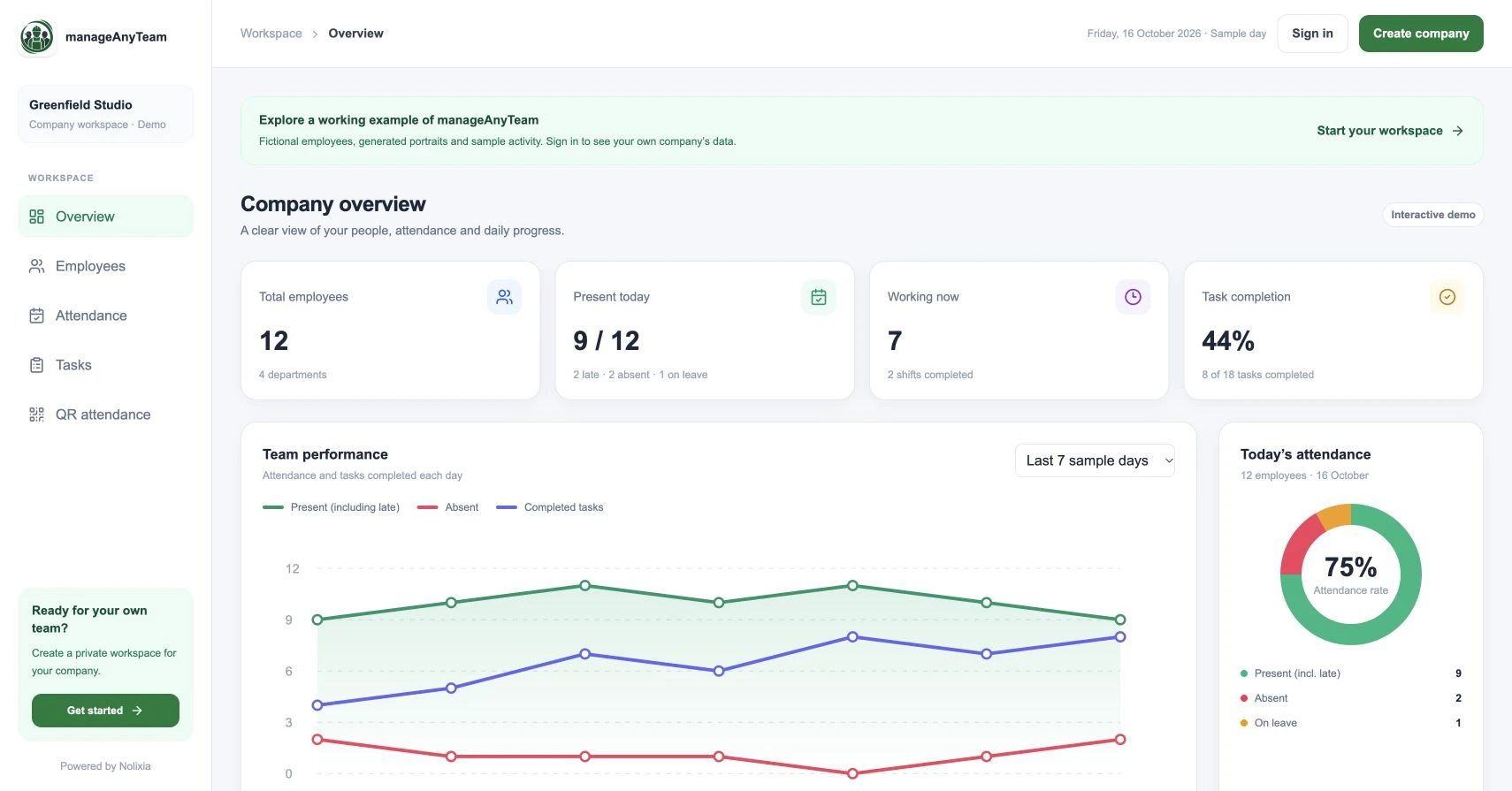
To track employee attendance, agree who is expected to work, record the relevant events and review exceptions before closing the day. A consistent process makes the register more useful than a collection of unexplained times.
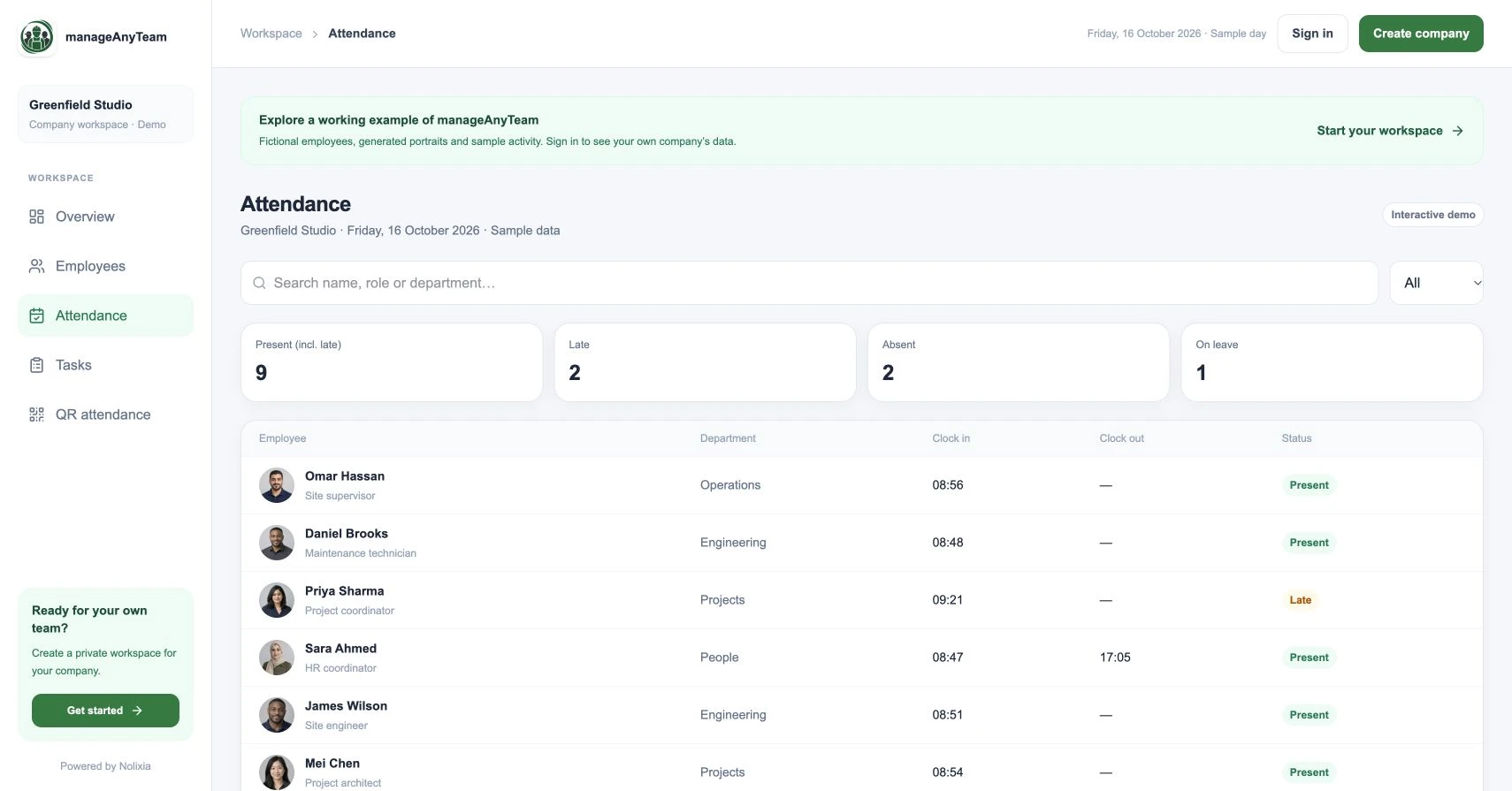
This guide gives a practical routine for a small team. You can try the review steps in ManageAnyTeam’s public Attendance view before applying them to your own workplace.
Step 1: define the record
Choose the employee identifier, work date, workplace, expected schedule and events you need to record. Define present, late, absent and on leave so managers use them consistently.
Keep attendance status separate from total hours and task performance. A person can attend and still be waiting for work; a completed task does not establish the hours worked.
The daily attendance register template gives these definitions a working file, a fictional day and a correction log. Missing evidence stays pending until reviewed.
Step 2: choose how events are captured
Match the method to the workplace. Consider shared entrances, staff phones, multiple sites, connectivity and the person who handles a failed attempt.
ManageAnyTeam’s QR page explains a workplace-code process using the mobile app. Its public code only opens a preview. Confirm the company setup and test the required capture behaviour before rolling it out to employees.
Step 3: review the start of the day
Open the register and look for expected employees without an arrival record. Check the schedule, authorised leave and any reported capture problem before deciding what happened.
In the sample register, late employees are included in the present total. Read the label before adding totals or comparing departments.
A useful follow-up asks for the missing fact: “There is no arrival event for today; can you confirm your start and whether the scan completed?” It avoids turning an incomplete record into an assumption.
Step 4: resolve exceptions during the shift
Keep one route for missing times, duplicate attempts and incorrect workplace records. Record the person raising the issue, the proposed change and the reason. Decide who reviews it and how the original information is retained.
Check those requirements in your selected system. Do not assume that a visible edit control provides every approval or audit feature you need.
Step 5: check the day before reporting
Review open shifts and unexplained statuses. Separate someone still working from an entry that needs a finish-time correction. Apply the agreed treatment of breaks and other working arrangements before using hours in another process.
Send unresolved items to the responsible manager with a date for review. A register can show that an issue is open without pretending the day is complete.
Keep the process understandable
Explain the purpose of attendance collection and give staff a way to question their records. Restrict access according to the information people need for their role.
For UK working-time and worker-monitoring requirements, consult current Acas and ICO guidance. Their guidance informs the process; a software purchase does not settle those responsibilities.
Try it with your own management question
Explore the ManageAnyTeam demo: https://manageanyteam.com/?utm_source=nolixia&utm_medium=article&utm_campaign=manageanyteam_guides&utm_content=6
Open the relevant view and follow the example in this guide. When you are ready to set up your company, use Create company on the website.
Product help: https://manageanyteam.com/help
Related guides
https://nolixia.com/blog/employee-attendance-tracker-for-a-small-business-what-to-check
https://nolixia.com/blog/qr-code-attendance-system-for-employees-how-it-works
https://nolixia.com/blog/employee-attendance-dashboard-how-to-read-the-numbers
Sources and product notes
https://www.acas.org.uk/working-time-rules
https://ico.org.uk/for-organisations/uk-gdpr-guidance-and-resources/employment/monitoring-workers/
Updated 19 October 2026. Nolixia develops ManageAnyTeam. The full-colour screenshots show the public demo with fictional employees and sample activity; they are not customer results.