To assign tasks to employees, describe the required result, agree one accountable owner and set a realistic deadline. Include the information needed to start and explain how completion will be checked.
A clear brief reduces the time spent interpreting a request. It also makes a handover easier when the original owner is unavailable.
Use this task brief
Outcome: what must exist or be different when the job is finished?
Owner: who is responsible for moving it forward?
Due: when is the result required, and what makes that date important?
Inputs: which documents, equipment or decisions are needed first?
Acceptance: who checks the result, and what evidence is sufficient?
Next update: when should the owner raise a blocker or report progress?
You can use these fields in a conversation, a written brief or a task management tool. The quality of the agreement matters more than the number of fields.
Replace a vague request with a checkable result
Vague: “Sort out the delivery.”
Clearer: “Compare today’s equipment delivery with order A, photograph any damaged packaging and send the discrepancy list to the site lead by 14:00. Contact the project coordinator before accepting a substitute item.”
This hypothetical example explains the outcome, evidence, deadline and escalation route. The employee can ask a focused question before starting.
Check capacity before assigning the next job
Look at current commitments and the work’s dependencies. A high priority label cannot create additional hours or unblock a missing approval.
If two deadlines compete, make the trade-off explicit. Decide what moves, who needs to know and when the new plan will be reviewed. Avoid giving several people separate instructions that leave ownership unclear.
See the records in ManageAnyTeam
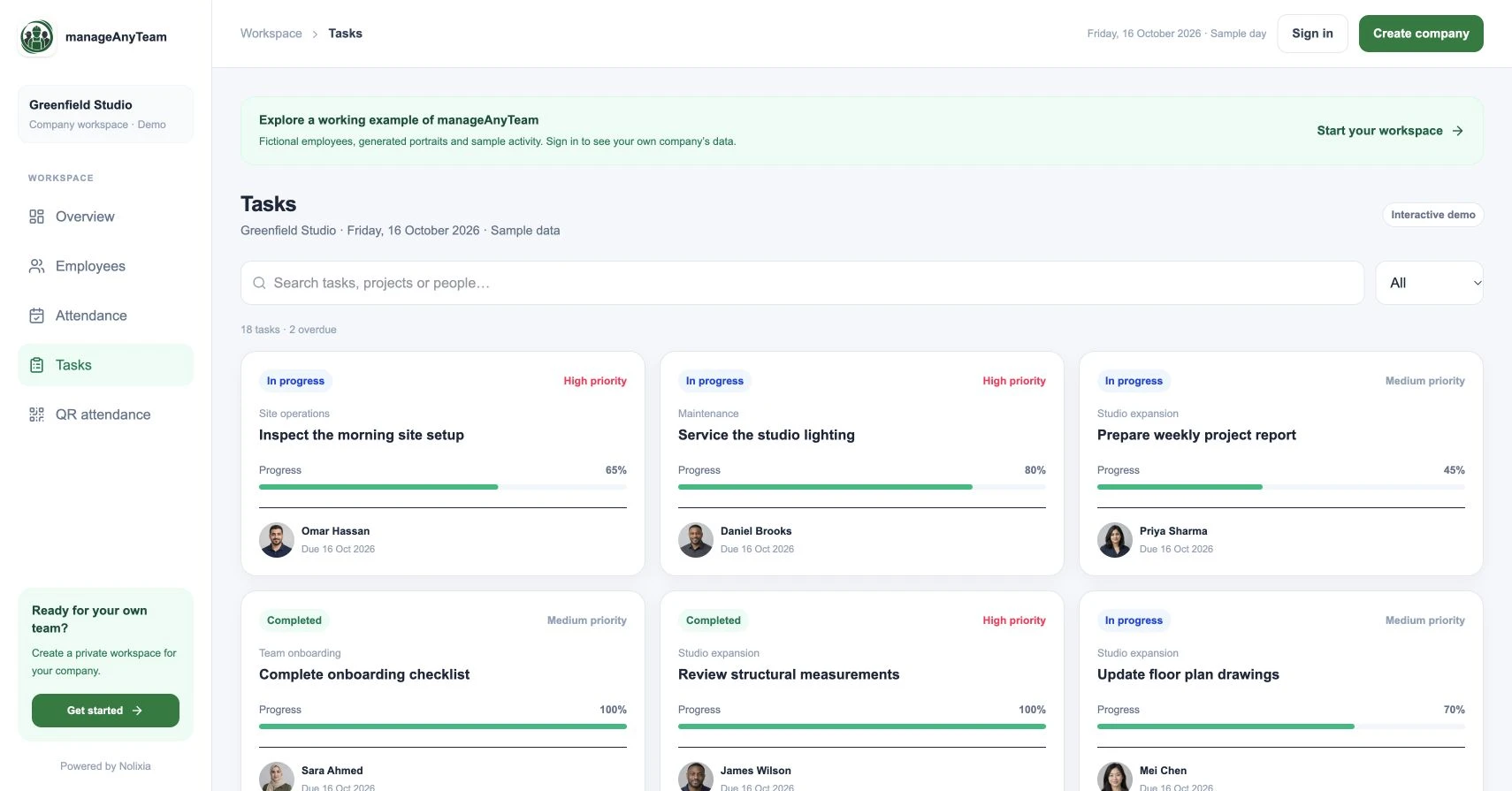
Open Tasks in the public demo. Cards show an owner, project, priority, due date, status and progress. Filter overdue tasks and choose one example to discuss with a colleague.
Ask what the owner needs to do next and what information would help another employee take over. The sample makes those questions concrete; it is not evidence of a measured productivity gain.
Follow up on the next action
Use a short update: completed result, remaining work, blocker and next commitment. When a task is marked complete, check the agreed outcome rather than only the label.
If an owner is away, transfer the context as well as the name. Include decisions already made, remaining risks and the person who will accept the finished work.
Should one task have several owners?
Several people can contribute, but name someone accountable for the next update. If the work contains independent deliverables, split it into tasks with their own owners and acceptance criteria. That makes progress and handovers easier to interpret.
Try it with your own management question
Explore the ManageAnyTeam demo: https://manageanyteam.com/?utm_source=nolixia&utm_medium=article&utm_campaign=manageanyteam_guides&utm_content=9
Open the relevant view and follow the example in this guide. When you are ready to set up your company, use Create company on the website.
Product help: https://manageanyteam.com/help
Related guides
https://nolixia.com/blog/employee-task-management-software-a-small-team-buying-checklist
https://nolixia.com/blog/employee-directory-software-for-a-small-business-what-matters
https://nolixia.com/blog/how-to-track-project-progress-without-misleading-percentages
Sources and product notes
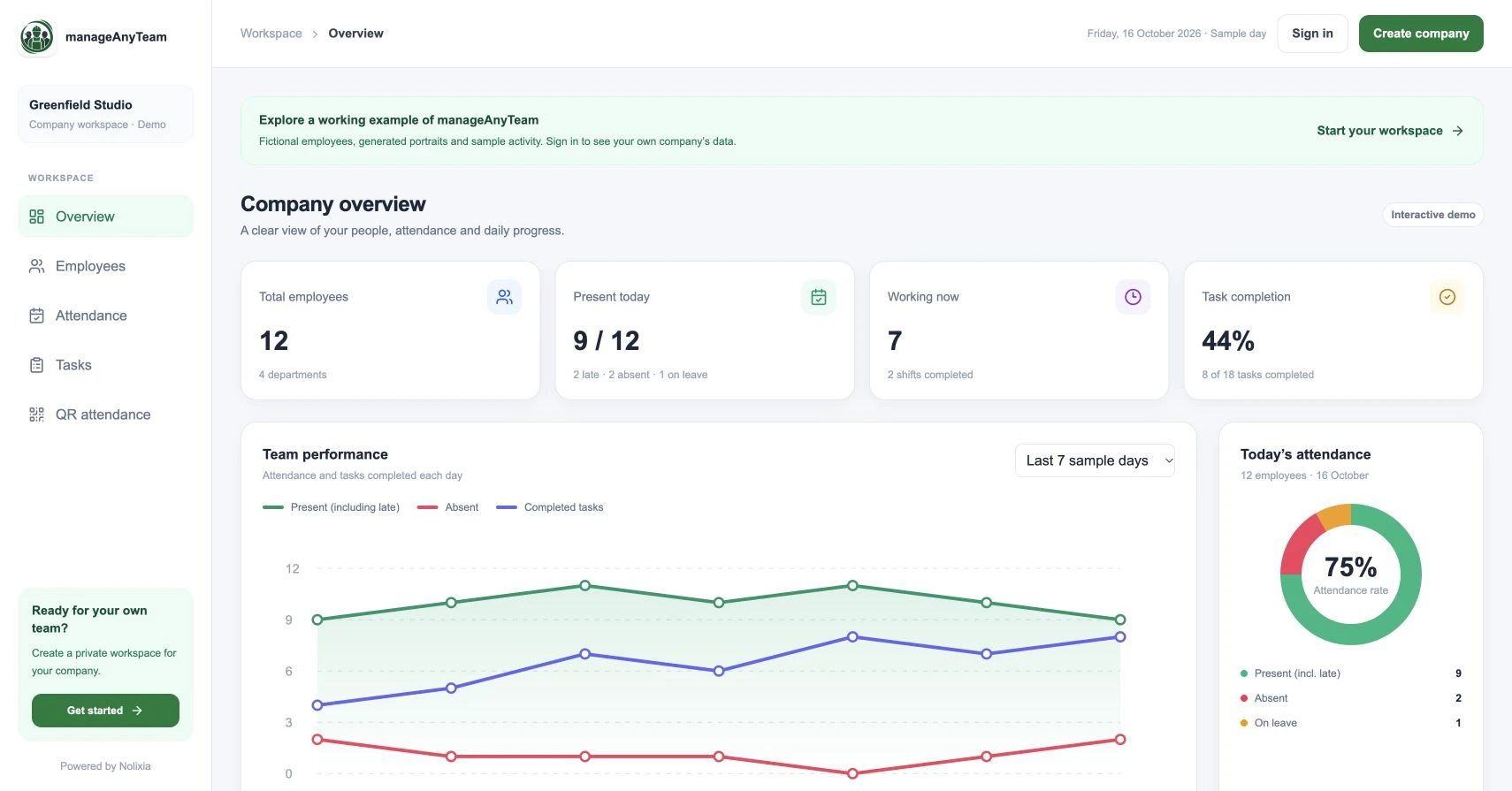
Updated 19 October 2026. Nolixia develops ManageAnyTeam. The full-colour screenshots show the public demo with fictional employees and sample activity; they are not customer results.