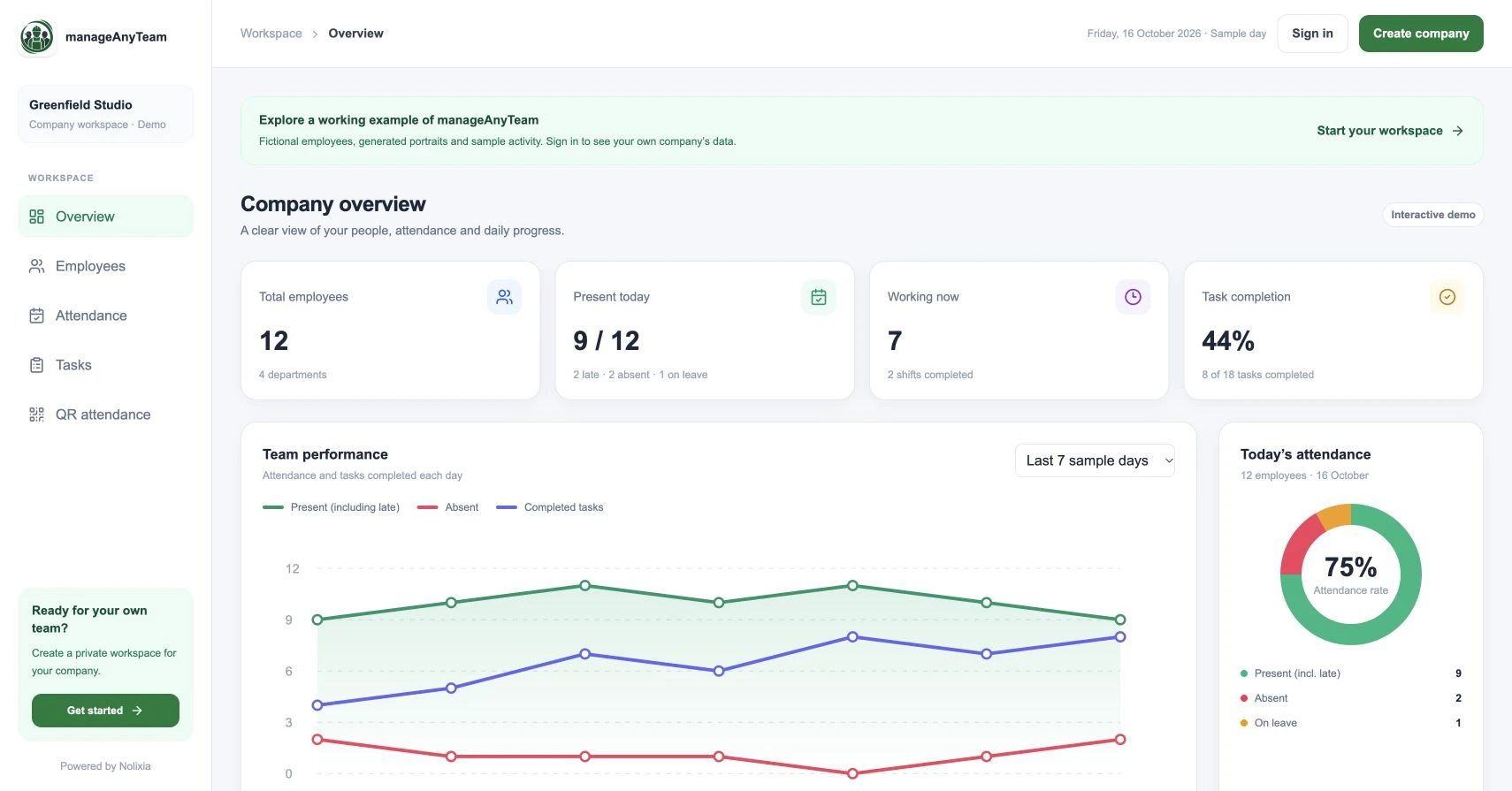
Employee directory software gives a team one place to find colleagues and understand their roles. For a small business, a useful directory answers “who handles this?” quickly and stays accurate when people change jobs or leave.
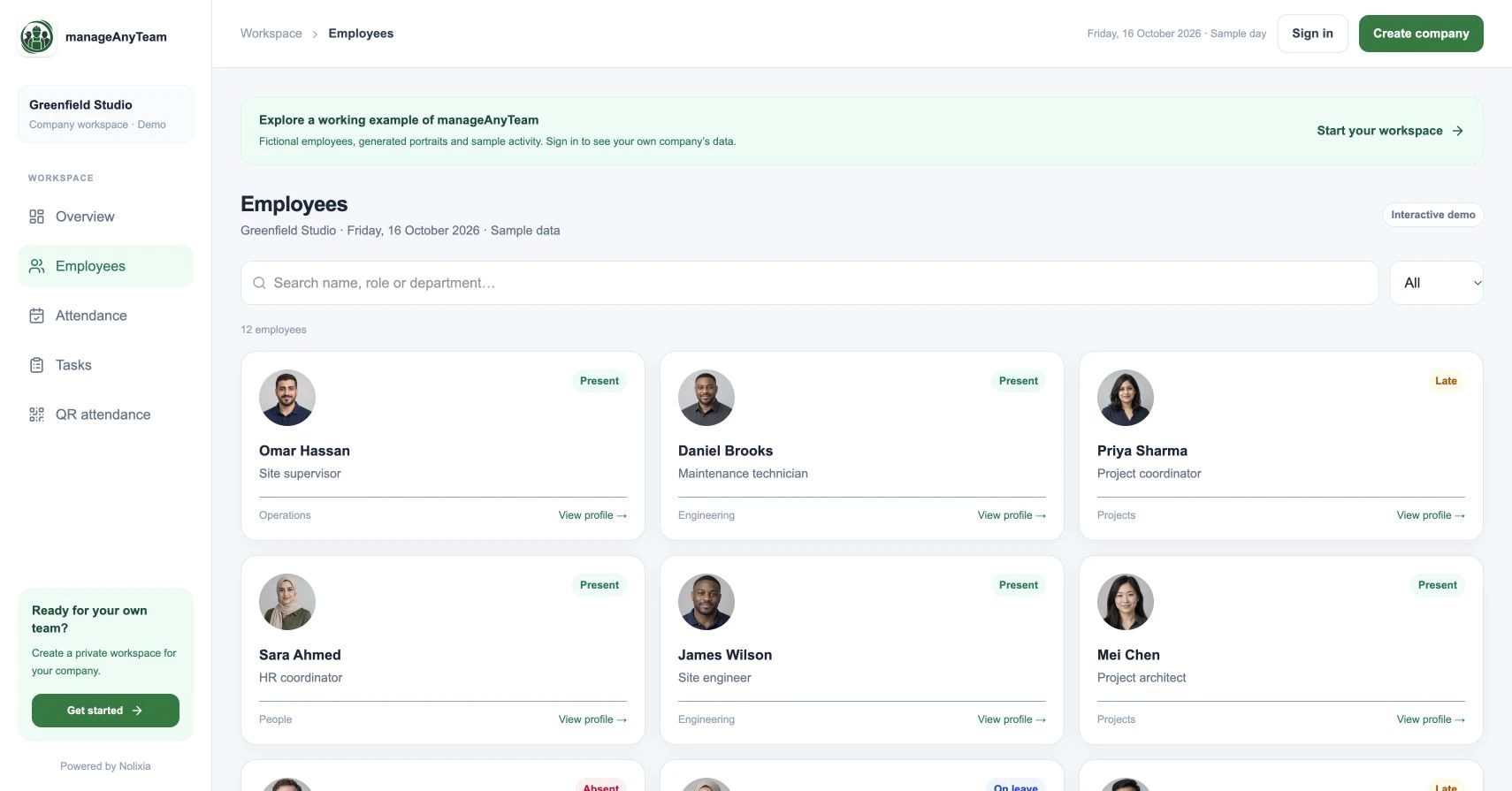
ManageAnyTeam’s Employees view uses profile cards with names, roles, departments and sample statuses. Search and filtering make it a practical starting point for exploring how your team would find people.
Decide what the directory is for
An everyday directory supports collaboration: identifying a site supervisor, finding a project coordinator or checking who belongs to a department. A confidential HR record serves a different purpose and may need different access.
Start with the minimum useful profile. Include a consistent employee identifier, display name, work role and department. Add other information only where there is a clear operational reason and an owner responsible for accuracy.
Use the employee directory template to define shared work fields, check a fictional example and assign joiner, role-change and leaver updates before comparing software.
Try three searches in the demo
Open Employees and search for a name you can see on a card. Then search by a role or department, such as Engineering. Compare the results with the status filter.
Open a profile and ask whether a colleague could identify the right person from the information shown. The search is only useful if the underlying titles and departments are consistent.
The public directory uses fictional people and generated portraits. Use it to understand the layout without entering your employee data into a public example.
Keep ownership of changes clear
Agree who creates a profile, who updates role changes and what happens when a person leaves. A searchable directory becomes less useful if the result points to someone who no longer owns the job.
Use stable identifiers where possible so that people with similar names are not confused. Keep naming conventions and department labels consistent rather than adding several spellings of the same team.
Link people to work without overloading the profile
A manager may need to move from a person to an attendance record or an assigned task. In a team workspace, those views can provide context for a handover.
Avoid turning the general directory into a place for private health information, salary details or sensitive notes. Decide access separately from the convenience of having a single search screen.
A simple directory rollout
Begin with one department. Check every profile with the responsible manager and ask a colleague to find the owner of three common requests. Record which labels or missing details slow them down.
Then test a joiner, a role change and a leaver in an appropriate company workspace. Verify the permissions, record-management and export requirements that matter to your organisation.
Is a spreadsheet enough?
It can be if it remains accurate and easy to find. Evaluate directory software when people repeatedly ask for the latest list, staff details are copied across tools or updates have no clear owner. Start with the problem rather than the product category.
Try it with your own management question
Explore the ManageAnyTeam demo: https://manageanyteam.com/?utm_source=nolixia&utm_medium=article&utm_campaign=manageanyteam_guides&utm_content=8
Open the relevant view and follow the example in this guide. When you are ready to set up your company, use Create company on the website.
Product help: https://manageanyteam.com/help
Related guides
https://nolixia.com/blog/employee-management-software-for-a-small-business-a-practical-uk-guide
https://nolixia.com/blog/employee-attendance-tracker-for-a-small-business-what-to-check
https://nolixia.com/blog/how-to-assign-tasks-to-employees-a-clear-repeatable-method
Sources and product notes
Updated 19 October 2026. Nolixia develops ManageAnyTeam. The full-colour screenshots show the public demo with fictional employees and sample activity; they are not customer results.