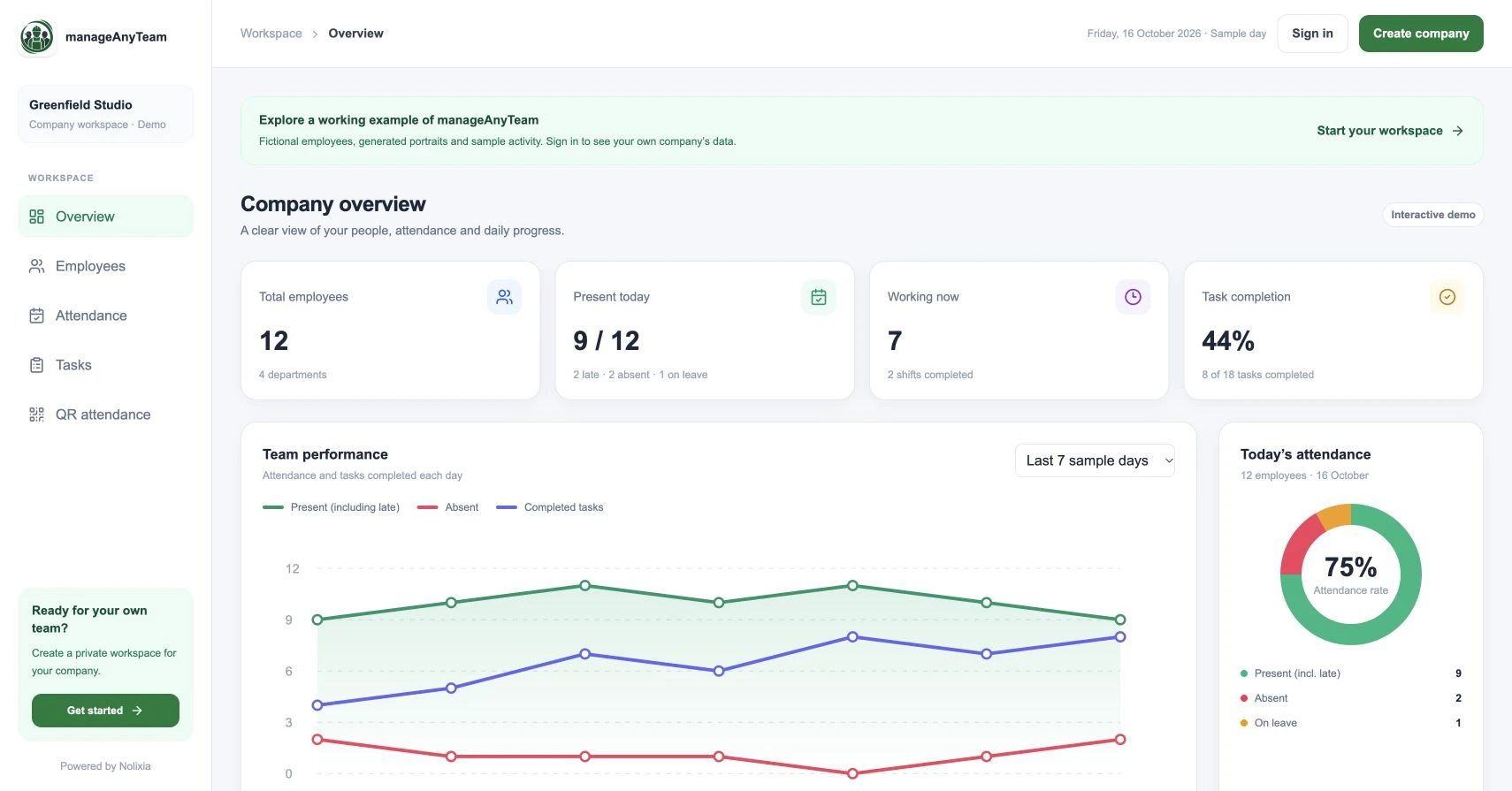
Employee task management software helps a team turn requests into visible work: a defined outcome, an accountable owner, a due date and a status everyone can understand. Its value comes from making the next action easier to find.
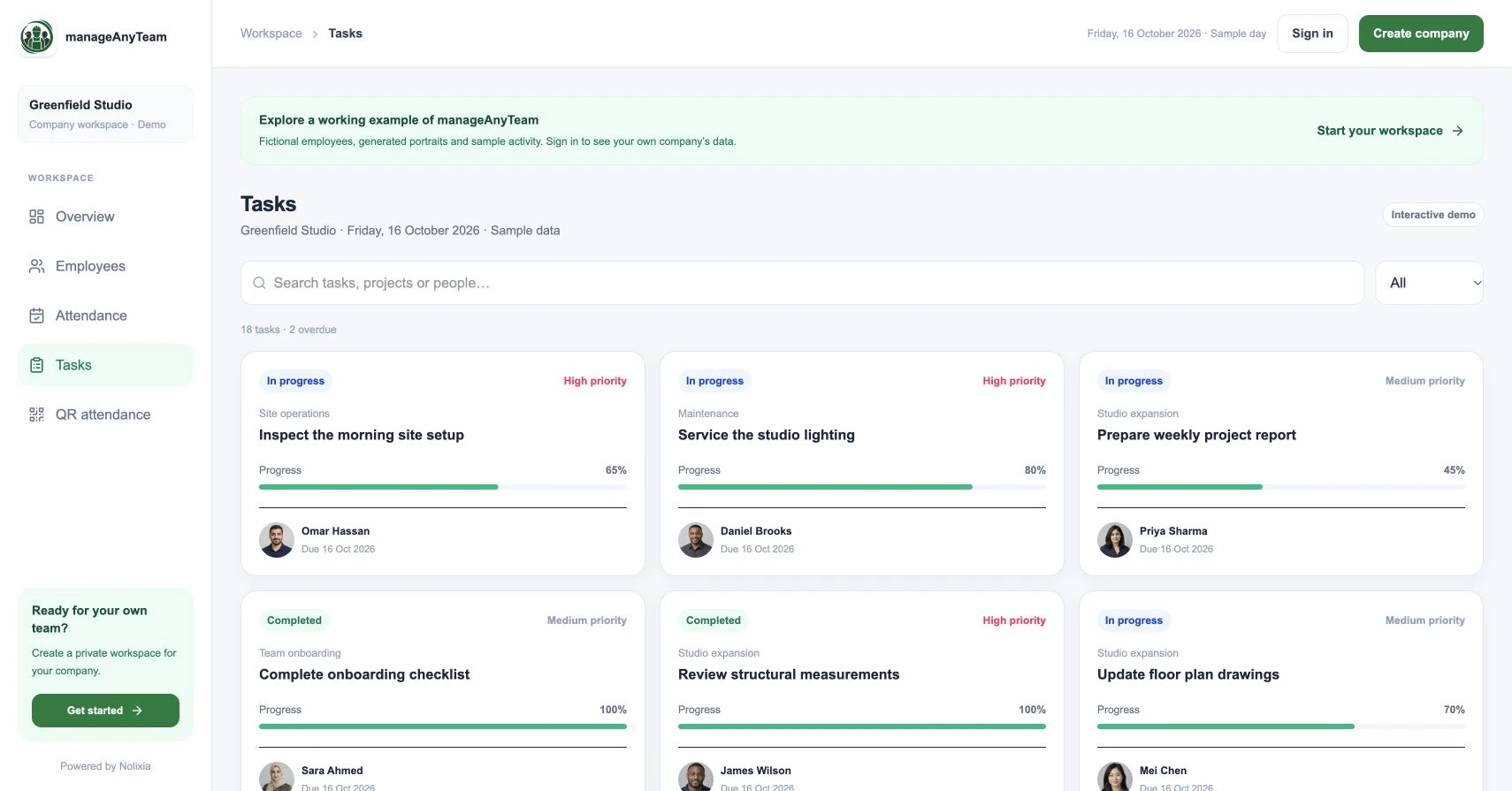
ManageAnyTeam’s Tasks view presents those details on cards alongside project, priority and progress. Use a real job from your team to decide whether that layout supports your daily decisions.
What belongs on a useful task card?
Outcome: write what should be delivered, rather than only the activity. “Send the checked stock list to the site lead” is clearer than “Sort stock”.
Owner: identify the person responsible for progressing the task. Other contributors can help, but someone needs to answer the next question.
Due date: agree when the result is needed and what dependency controls that date. A deadline is less useful if nobody knows why it matters.
Priority and status: distinguish urgency from the stage of work. A high-priority task can still be waiting for information.
Progress: decide what a percentage represents and how it is updated. A progress bar should not become a substitute for evidence of completion.
Walk through the ManageAnyTeam sample
Open Tasks and compare an in-progress card with an overdue card. The demo includes project names, named owners, dates and progress percentages, so you can see which information helps explain the difference.
Use the status filter to isolate overdue work. Ask which person needs to act next and whether the card contains enough context for a short follow-up.
These are sample records. They illustrate a workflow rather than a customer productivity result.
Test a handover, not just task creation
Suppose the original owner is away. Can the replacement understand the expected result, current position and remaining dependency? If not, improve the task brief before adding more notifications.
For example: “Check the delivered equipment against order A, photograph any damaged packaging and send the discrepancy list to the project lead by Thursday at 14:00.” The brief states a result and how it will be reviewed.
Compare software with a short pilot
Choose a small project and include one overdue job, one reassignment and one completed outcome. Have staff find their next action without a manager narrating every screen.
Record the questions the software answers and the ones that still need a conversation. Check permissions, notifications and reporting requirements in the actual company setup before assuming they work like another tool.
Do you need a task tool or a project planning tool?
Daily ownership and deadlines may be enough for a small team. If you need dependency scheduling, resource forecasting or cost control, list those separately and verify them. More features only help when they support a decision your team actually makes.
Try it with your own management question
Explore the ManageAnyTeam demo: https://manageanyteam.com/?utm_source=nolixia&utm_medium=article&utm_campaign=manageanyteam_guides&utm_content=4
Open the relevant view and follow the example in this guide. When you are ready to set up your company, use Create company on the website.
Product help: https://manageanyteam.com/help
Related guides
https://nolixia.com/blog/how-to-assign-tasks-to-employees-a-clear-repeatable-method
https://nolixia.com/blog/how-to-track-project-progress-without-misleading-percentages
https://nolixia.com/blog/employee-management-software-for-a-small-business-a-practical-uk-guide
Sources and product notes
Updated 19 October 2026. Nolixia develops ManageAnyTeam. The full-colour screenshots show the public demo with fictional employees and sample activity; they are not customer results.