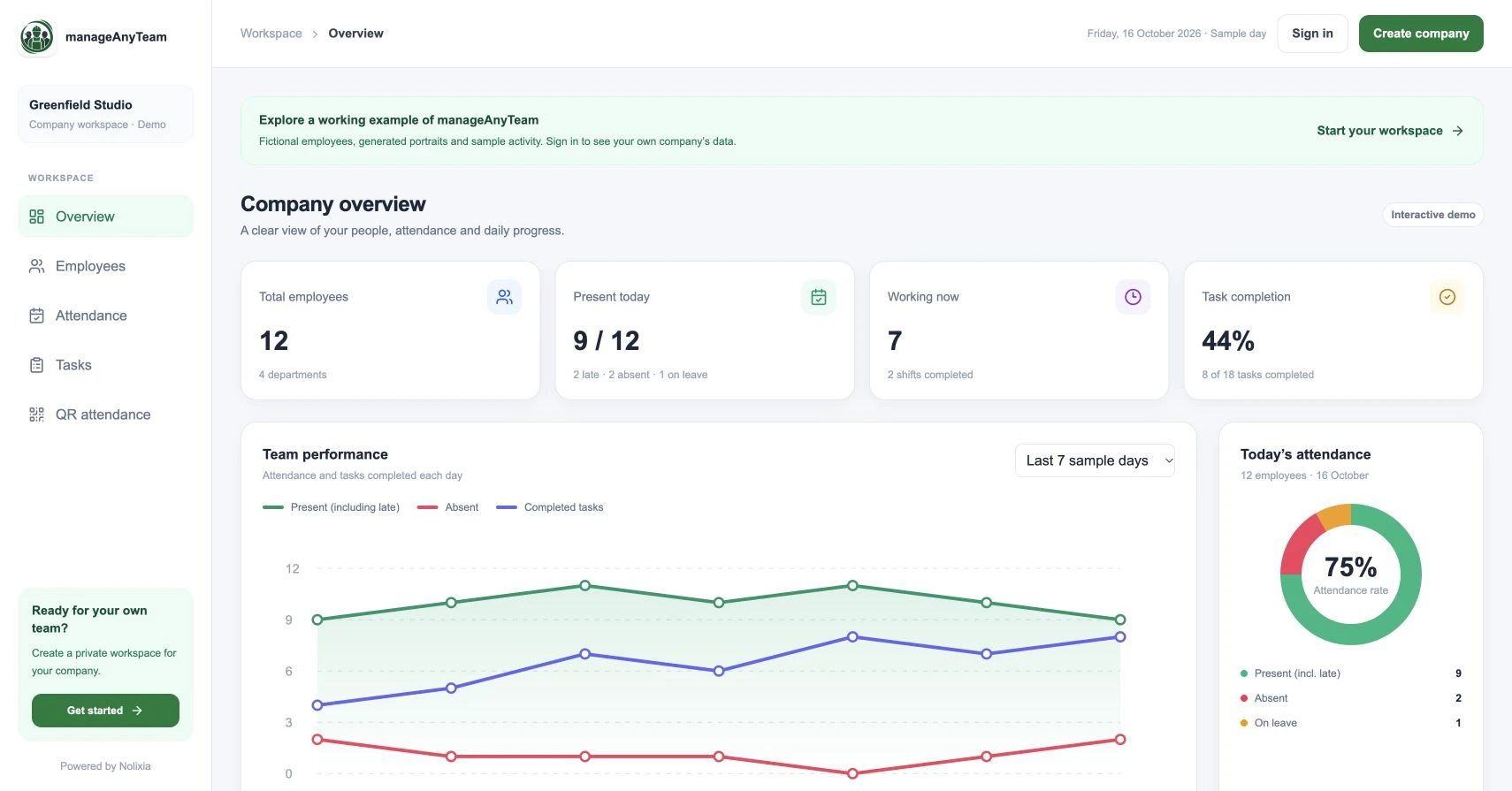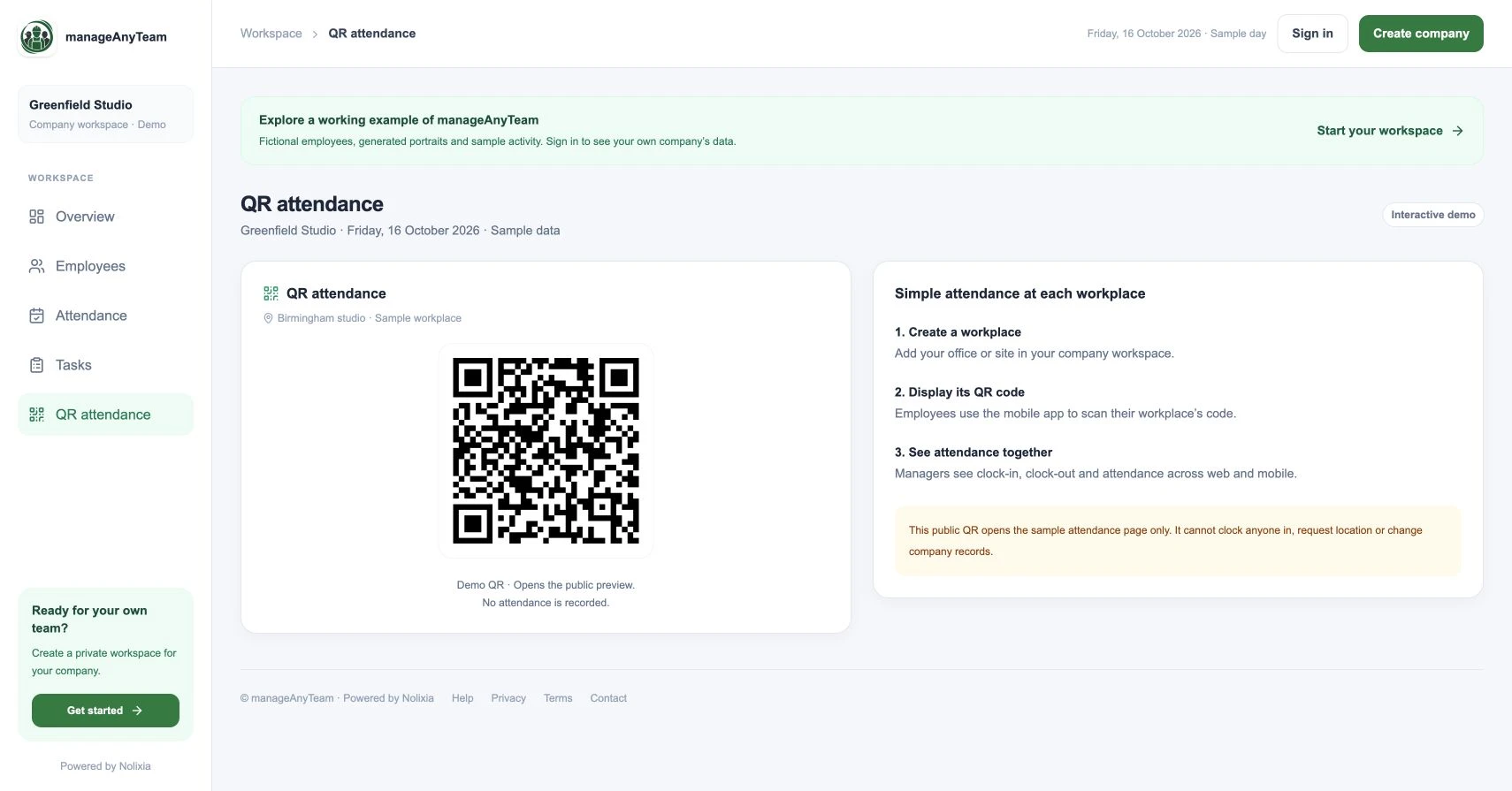
A QR code attendance system lets an employee open a workplace attendance flow by scanning a code. A useful setup connects the scan to the right person, workplace and clock-in or clock-out action; the QR image alone is not an attendance record.
ManageAnyTeam’s QR attendance view explains a three-step approach: create a workplace, display its code and let employees scan with the mobile app. Managers then review attendance across web and mobile.
How a workplace QR workflow fits together
First define the workplace. Use a name employees recognise, such as the main office or a specific site, so that scanning the wrong code is easier to spot.
Next place the code where employees can reach it safely and where lighting allows a clear scan. Keep a process for replacing an unreadable print and for communicating workplace changes.
The employee then follows the configured app flow and checks the result. A successful camera scan and a recorded attendance event are separate steps: the employee needs a clear confirmation of the event.
Finally, a manager checks the register for missing or unexpected records rather than assuming every scan produced the intended result.
What the public ManageAnyTeam QR does
The code in the public demo opens the sample attendance page. It does not clock anyone in, request location or change company records. Use it to understand the navigation and screen design; test live company attendance in an appropriate company workspace.
Shared workplace code or individual badge?
A workplace code identifies a location or attendance entry point. An individual badge identifies a person. They solve different parts of the problem, so check the identity step before choosing a system.
Ask how the proposed flow deals with someone forwarding a code image, scanning at the wrong workplace or using another person’s device. Do not assume that QR technology by itself prevents those situations.
Plan the fallback before the first shift
Camera unavailable: provide a documented alternative and tell employees who to contact.
Weak connection: ask whether the product supports your required behaviour, including what happens to an unfinished attempt. Do not assume offline capture exists.
Repeated scan: verify whether it creates another event or simply reopens the screen. Test clock-in and clock-out separately.
Incorrect entry: record the issue and follow the agreed correction route, including who approves a change.
A simple rollout test
Choose one workplace and a small group of employees. Test an ordinary arrival, departure, unreadable code and interrupted attempt. Review the resulting register with the manager before extending the rollout.
Explain what information the attendance process collects and why. For UK worker-monitoring questions, refer to current ICO guidance rather than treating a QR code as a compliance solution.
Try it with your own management question
Explore the ManageAnyTeam demo: https://manageanyteam.com/?utm_source=nolixia&utm_medium=article&utm_campaign=manageanyteam_guides&utm_content=3
Open the relevant view and follow the example in this guide. When you are ready to set up your company, use Create company on the website.
Product help: https://manageanyteam.com/help
Related guides
https://nolixia.com/blog/employee-attendance-tracker-for-a-small-business-what-to-check
https://nolixia.com/blog/how-to-track-employee-attendance-a-practical-daily-process
Sources and product notes
https://ico.org.uk/for-organisations/uk-gdpr-guidance-and-resources/employment/monitoring-workers/
Updated 19 October 2026. Nolixia develops ManageAnyTeam. The full-colour screenshots show the public demo with fictional employees and sample activity; they are not customer results.