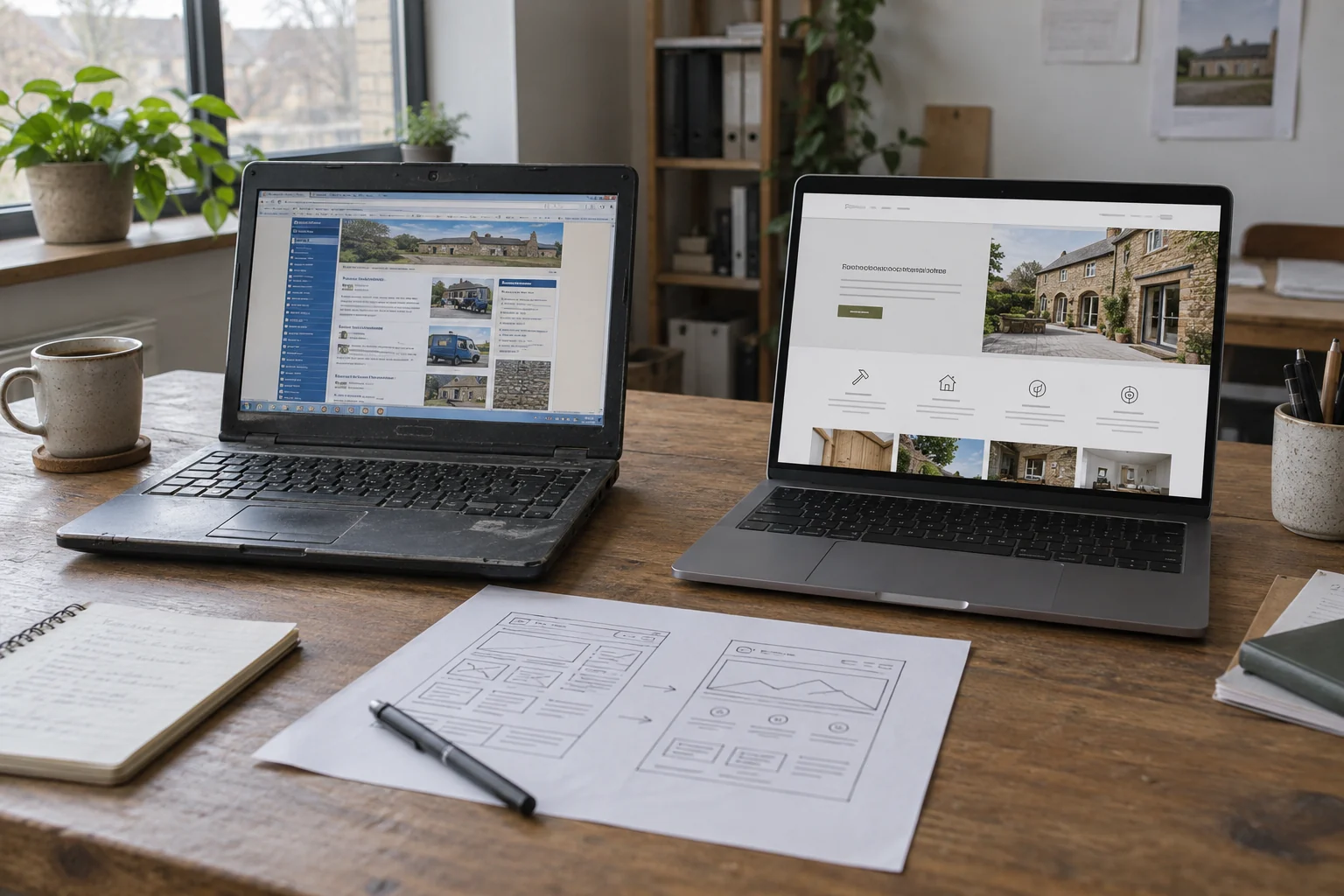
A business website needs redesigning when its structure or technology prevents it from doing the work the business now requires. Age alone is not a useful test. A working site with clear information may only need a small repair, while a newer site can still make ordering or enquiries unnecessarily difficult.
For Birmingham businesses, including those serving Sparkhill and B11, the decision should begin with a short list of problems and evidence. Separate a broken component from a problem affecting the whole customer journey before commissioning a rebuild.
Your business has moved on
Compare the services promoted on the website with the work you want to win today. A showroom that now offers installation may still have a product-only site. A retailer ready to sell online may have a gallery with no stock, delivery or checkout information.
List what has changed: customers, services, product ranges, delivery areas or administrative needs. If the page structure cannot explain those changes clearly, a redesign has a defined purpose. If one service paragraph is out of date, a content update may be enough.
Important tasks fail on a phone
Try the website as a customer: find a relevant service, inspect a project, ask a question and use the contact form. Watch for hidden buttons, menus covering the page, unreadable details and form errors that do not explain what to correct.
Record the device, page and task. A single badly cropped image is usually a focused issue. Navigation and forms that repeatedly fail across the site suggest a broader design problem. See our mobile website guidance: https://nolixia.com/blog/why-mobile-friendly-website-design-matters-for-b11-businesses for practical checks.
Visitors receive too little information to decide
Review the questions customers ask before an enquiry. Can they understand the service area, what is included, what information to supply and what happens next? Does the website show relevant work with an accurate description of your involvement?
A roofing company might need to distinguish emergency repair enquiries from planned replacement work. A kitchen business might need separate product discovery and consultation routes. Adding another button will not solve a structure that mixes these needs together.
The platform blocks required features
Ask whether the current system can support the changes the business needs. Examples include product variants, staff-editable content, booking rules or a connection to order management. Identify the actual limitation rather than deciding the platform is unsuitable simply because another technology is fashionable.
If the feature can be added safely within the current site, consider an upgrade. If it requires replacing several connected parts, compare that work with a planned rebuild. The Nolixia website upgrade overview: https://nolixia.com/upgrade-your-website covers this discussion.
Diagnose slow pages before replacing the design
A large cover image, unnecessary script or unreliable external service can make an otherwise useful site feel broken. Measure the affected pages and fix the cause before treating every performance problem as a redesign requirement.
Use the page speed review guide: https://nolixia.com/blog/what-is-page-speed-and-how-can-you-improve-it to separate image, loading and interaction problems. Test the same customer task after a repair; an improved score alone does not prove the task works.
Choose repair, upgrade or redesign deliberately
Choose a repair when the fault is isolated and the existing structure still fits the business. Choose an upgrade when the site works but needs a defined addition, such as better enquiries or online ordering. Consider redesign when the content structure, interaction patterns or platform no longer supports essential tasks.
Use this decision record to turn that choice into a brief. The cases are illustrative scope decisions, not findings about a particular customer website.
| Observed condition | Evidence needed before choosing | Scope to investigate | Acceptance check |
|---|---|---|---|
| One enquiry route sends details to the wrong destination | A labelled submission and its actual destination | Repair the route while retaining useful pages | The intended receiving team can locate the same test and its job details |
| The site works but cannot collect the information needed for a quotation | The estimator's field requirements and a review of the current platform | A defined form or workflow upgrade | A phone user can send the agreed details and staff can use the request |
| Several essential tasks no longer fit the structure or platform | A task inventory, required capabilities and an assessment of what can be retained | Compare a staged improvement with a planned rebuild | The agreed tasks work and retained content has a tested destination |
Record the chosen scope, responsible person, dependencies and retest status. For each proposed change, write an acceptance check. For example: a visitor can identify an installation service, submit the correct enquiry and receive a clear confirmation; staff receive the information required to respond.
Plan the move once the decision is made
Keep a record of useful pages, important content and existing URLs. A redesign should include a migration plan, not just a new visual direction. Our website redesign migration checklist: https://nolixia.com/blog/does-your-business-need-a-website-redesign-in-birmingham covers the launch work in more detail.
If another supplier will take over, complete the website handover checklist. When the scope is clear, compare the setup and ongoing website costs.
The useful outcome is a website that fits the business and helps customers complete their tasks. Discuss the recorded problems through Nolixia web design in Birmingham: https://nolixia.com/web-design-birmingham, with the working parts of your current website included in the brief.