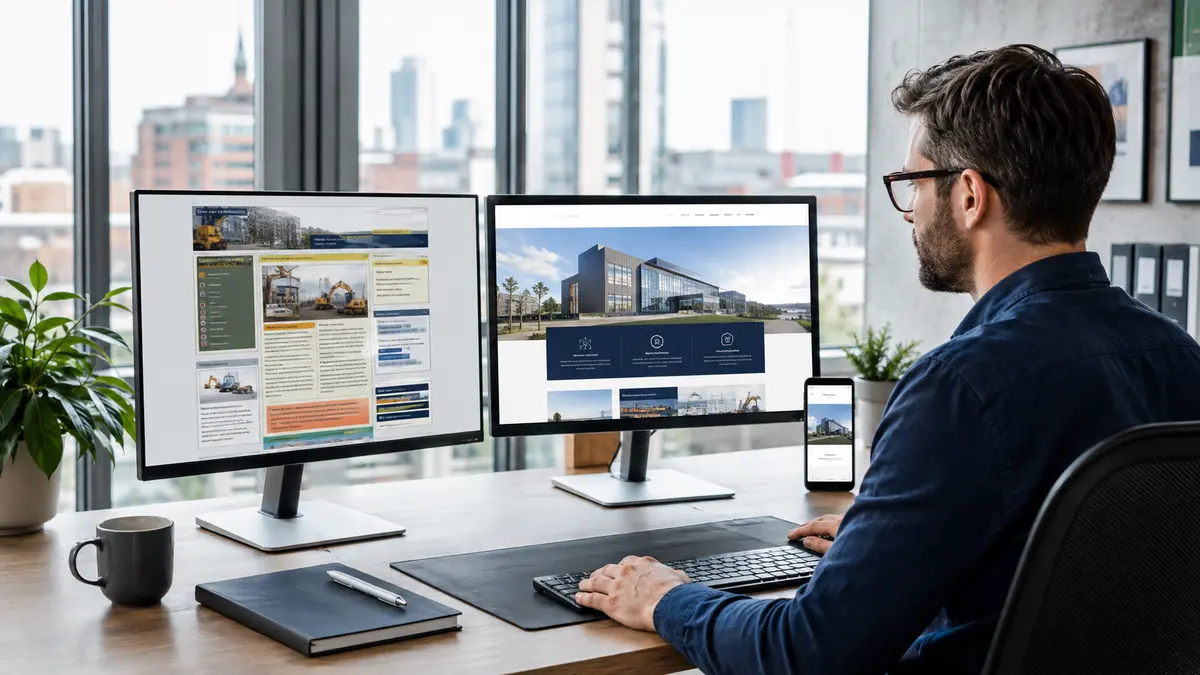
Once a website redesign is agreed, the launch needs its own plan. A new visual layout does not establish that existing pages, enquiries and search access have been preserved. Record what must remain available and test it before replacing the live site.
Inventory the current website
List important public pages, documents, images and customer tasks. Record useful content and the URLs that visitors already use. Identify who approves each page and which information must be updated. Do not discard a page only because its design looks old.
For a shop, add the product-data migration checks so the inventory includes parent products, variants, asset relationships and URL outcomes, not pages alone.
Map any URL changes
Where an address changes, identify the relevant replacement page and have the developer implement and test appropriate redirects. Do not send unrelated old pages indiscriminately to the homepage. Update internal links to the intended destinations. Google’s site-move guidance provides the technical process for changes to URLs.
Review content and metadata together
Check the visible title, description, canonical URL and publication settings for each important page. Identify concepts and real client work accurately. Make sure the launch version contains approved content rather than temporary placeholders.
Test the business workflows
Submit enquiries, check staff notifications and review acknowledgments. In an appropriate test environment, repeat shopping or booking tasks, including errors. Have staff test the administrative work they need after launch. A form that looks correct may still send no usable notification.
Agree launch responsibility and recovery
Identify who approves launch, who makes the change and how the previous working version can be restored if a serious fault appears. Confirm account access and dependencies beforehand. Avoid combining unplanned changes into the launch without a way to assess them.
Check immediately after launch
Test the public URLs, redirects, navigation and customer tasks again on the live site. Review intended indexing settings and remove development-only restrictions where appropriate. Record faults and assign owners.
Monitor the result
Review access errors, actual enquiries and Search Console information over time. A site move can involve changes in crawling and search visibility; a completed launch checklist does not guarantee a ranking outcome.
Technical reference: https://developers.google.com/search/docs/crawling-indexing/site-move-with-url-changes
For deciding whether a redesign is needed, see https://nolixia.com/blog/when-should-a-b11-business-redesign-its-website
For ongoing checks, see https://nolixia.com/blog/a-practical-website-maintenance-checklist-for-uk-businesses
If traffic falls after launch, use the post-redesign recovery brief to compare affected URLs, separate confirmed migration faults from other explanations, and assign a correction with supporting evidence.