If your website images are missing from Google, first identify what is missing: the image on your own page, an entry in Google Images, or a thumbnail beside a normal search result. Each calls for a different check. A working photograph is a publication requirement; a particular Google thumbnail remains a search-engine selection.
For a UK shop, trades business or professional service, the useful outcome is a dependable image and a landing page that helps a customer choose. Start with one important page and one image. That creates a repair brief someone can actually investigate.
1. Name the symptom before buying an image SEO fix
| What you observe | First evidence to collect | Practical next step |
|---|---|---|
| The photograph is missing on your public website | Public page address, device and saved image reference | Investigate publishing, the asset or the display before search visibility |
| The page works but the image is absent from Google Images | Page address, exact image address and relevant query | Review image discovery and the image’s useful landing page |
| A normal Google result has no thumbnail | Exact query, result type, device and observation date | Check eligibility and relevance; do not assume the file is broken |
| A social preview shows an old picture | The preview destination and the image metadata being served | Investigate that preview workflow separately from Google Search |
Google’s search-results visual guide distinguishes result types and explains that presentation varies. An image displayed for one query is not a promise that every result for the page will use it.
Write a precise symptom such as: “The vase photograph appears on the product page while signed out, but I cannot find it for the intended product search.” “Images do not work” leaves the maintainer guessing which system failed.
2. Check the saved reference and the actual file
Save the page, leave the editor and open the public URL while signed out. Reload the editor separately and confirm the selected picture is retained. This distinguishes an image visible only in an editing session from one stored with the published page.
Ask the maintainer to trace four items together: the saved image address, the address emitted in the page, the response from that address and the picture actually displayed. Keep the original file until the cause is known. Uploading another copy before checking these stages can leave the same fault with more files to manage.
An image request should return the intended image, rather than an access screen or an HTML error page. Record the final address after any redirects and the observed response. A successful page response does not by itself establish that its image loads.
The wider website SEO audit checklist is useful when several page types or customer journeys have faults.
3. A completed three-case image trace
Nolixia built the following isolated teaching example on 2 November 2026 using an editorial WebP cover. The application responses and HTML were checked in memory. This was not a live customer incident, browser-rendering test or Google indexing test.
| Controlled case | Saved reference and page output | Asset observation | Decision |
|---|---|---|---|
| Missing saved reference | Empty reference; no HTML image emitted | No image request could be formed from that record | Repair the save/publication chain first |
| Healthy HTML image | Retained reference matches the HTML image source | The controlled application returned the exact WebP bytes with a successful image response | Publication checks agree; Google visibility remains unverified |
| CSS background only | A style refers to the picture, but the page emits no normal HTML image | The same file remains healthy in the controlled application | A healthy file is not the same as a discoverable HTML image on that page |
The healthy page declared itself as canonical, while its og:image reference matched the HTML image source. Those are useful publishing checks. Preview metadata does not order Google to show that image.
The lesson is the order of investigation. In the first case, changing alternative text cannot restore a reference that was never saved. In the third, replacing the file does not change the way the page presents it. A missing HTML image on one page also does not prove Google could not discover the asset elsewhere.
4. Make the image useful and discoverable on its landing page
Google’s image SEO guidance recommends normal HTML image sources, relevant surrounding content and accurate descriptions. It does not index CSS background images. Ask the developer to verify the implementation rather than decide from appearance alone.
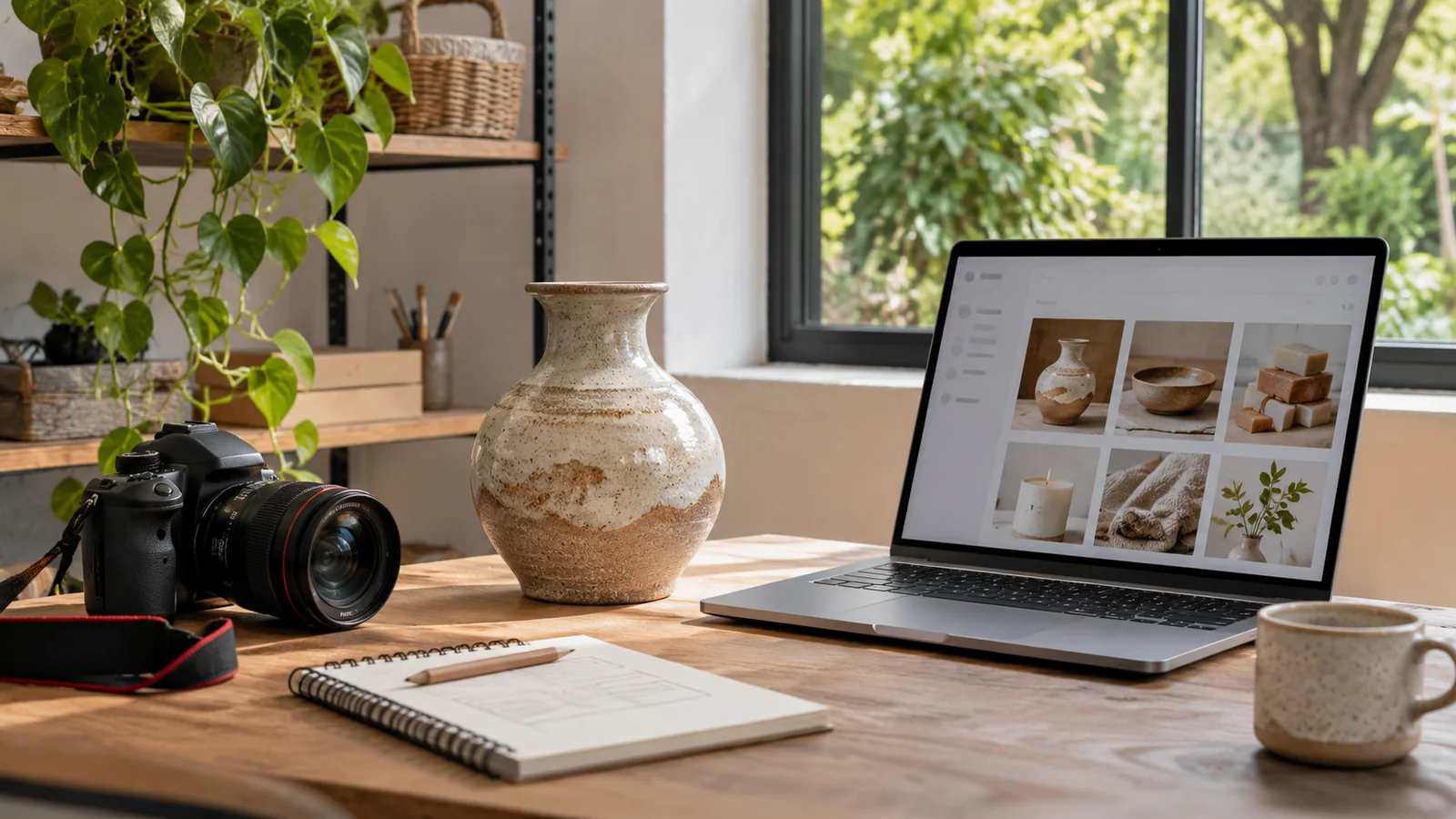
For an illustrative stoneware product, a useful alternative description could be “Speckled stoneware vase with a narrow neck on an oak shelf”. Repeating “best UK vase shop SEO” describes a marketing ambition, not the photograph. The product page should separately explain the actual dimensions, material and purchasing information your business can verify.
Choose a clear, relevant photograph and an appropriately encoded file. Preserve enough detail for the customer’s decision while checking the page on a phone. A lighter file is helpful only if the product, workmanship or subject remains understandable.
If the landing page lacks useful incoming routes, the orphan-page link audit explains how to document that separate discovery problem.
5. Compare the page’s current state with Google’s stored information
Use the exact landing-page URL in the appropriate Search Console property. Keep the indexed information and any live test dated separately. The URL Inspection documentation explains that these answer different questions; a successful live check does not establish that Google has processed the updated version.
If Google has selected a different page version, investigate that choice with the canonical comparison worksheet. Do not treat a result for an alternative URL as proof that an individual image file failed.
An image sitemap can communicate image locations that Google might otherwise miss. It is a discovery aid. It cannot substitute for the right public image, useful page content or a justified repair, and it does not reserve a thumbnail.
6. Send a bounded repair brief and agree the retest
Copy this short record into your request to a maintainer:
- Affected public page and exact missing picture.
- Which symptom from the first table applies, with device, query and date where relevant.
- Whether the selection survives saving and reopening the editor.
- Saved reference, emitted image source and asset response, when your developer has checked them.
- The change requested, the person responsible and the same page/image checks to repeat afterwards.
- Google processing or thumbnail selection still awaiting evidence.
Accept a repair against the stages it actually fixes. A retained picture and a successful public image response can verify publication. Later search observations answer a different question. Keep either result pending until it has been checked.
Nolixia provides website maintenance and scoped fixes, alongside technical SEO foundations. Send the affected page and explain what is missing so we can discuss whether the problem concerns saving, image delivery, page structure or another system. That gives a quotation a concrete job to cover.