An orphan service page exists on a website but has no incoming internal links within the pages being audited. It might still be known to Google through a sitemap or an outside link. The immediate business problem is that a customer using your website may have no useful route to it.
Start by finding the important page, the relevant place that should introduce it and the customer task that the link should support. Adding links everywhere creates a different problem: more choices without a clear reason to choose them.
This guide provides a small tested example and a copyable internal-link audit. For a wider review of access, content and measurement, use the small-business SEO audit checklist.
Build an inventory beyond the menu
List the service pages your business actually wants customers to use. Collect their intended public addresses from the CMS, sitemap and current service list. A crawl starting at the homepage can miss the very page you are trying to find, so compare those inventories with the pages the crawl reaches.
Keep the audit's coverage explicit. “No incoming links found in these six public pages” is a supportable finding. “Nothing anywhere links to this URL” requires much wider evidence.
Record the exact address and final destination. A link to an old redirect, a different address variant or a private preview is not the same as a direct link to the intended public service page. Review those differences before assigning the repair.
A six-page example: present in the sitemap, missing from the journey
We created an isolated teaching model for a fictional decorating business and checked its HTML links on 2 November 2026. It is not a finding about Nolixia or a client website.
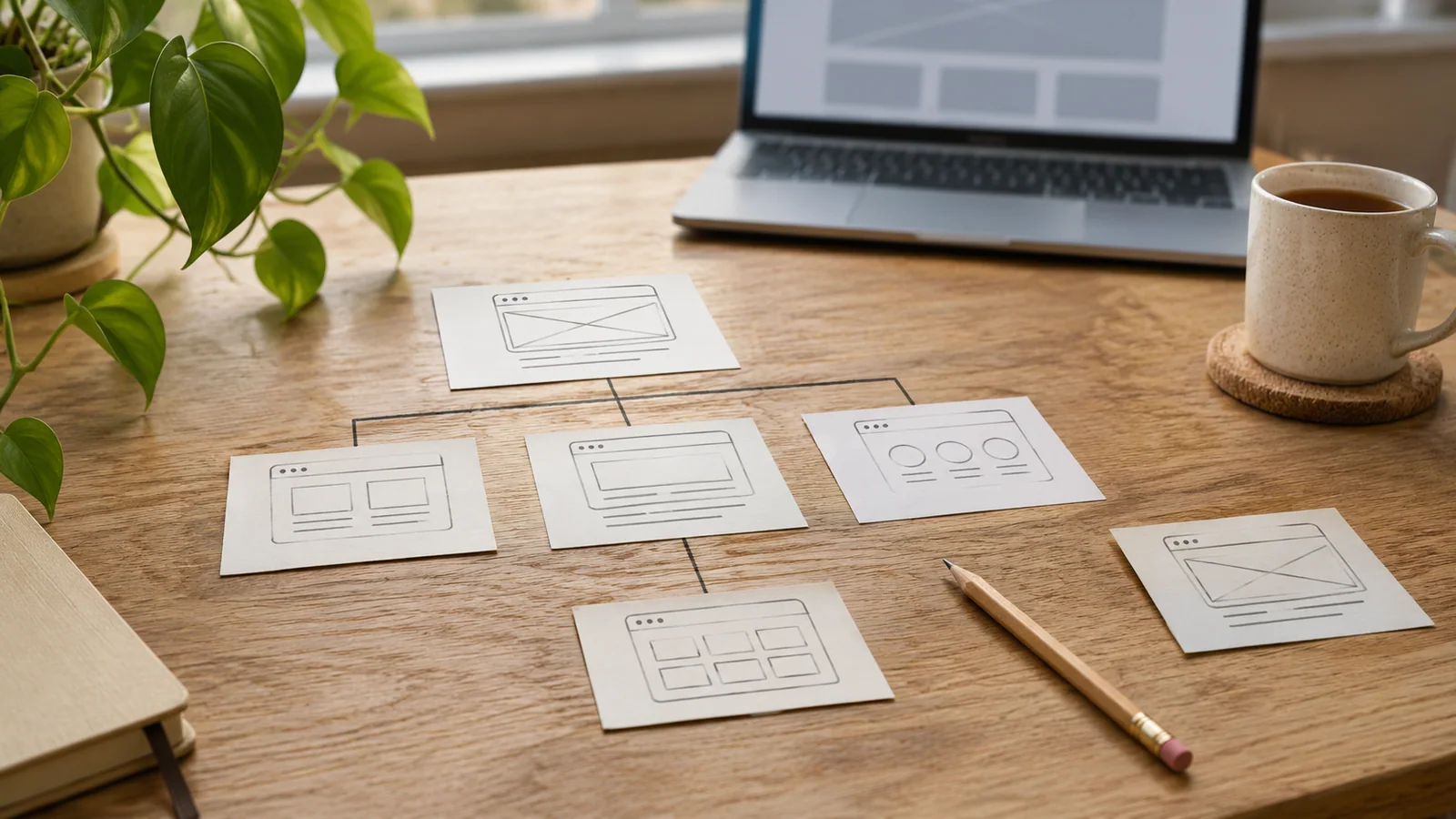
The model contains a homepage, services overview, interior and exterior service pages, a kitchen project page and contact page. Initially, the overview links only to exterior decorating. The kitchen project offers a general contact link. Interior decorating is published and listed in the sitemap, but none of the six pages links to it.
We then added an interior-decorating choice to the services overview and a relevant link from the kitchen project.
| Check in the controlled model | Before | After |
|---|---|---|
| Interior service page returns a successful response | Yes | Yes |
| Interior page appears in the sitemap | Yes | Yes |
| Incoming HTML links to that page within the six-page model | 0 | 2 |
| Page can be reached by following links from the homepage | No | Yes |
The measured result is a changed link graph and a reachable page. We did not test Google discovery, indexing, positions or customer enquiries. There is no required target of two links; these two placements happen to answer real next questions in this model.
Google's sitemap guidance describes sitemaps as discovery aids, while its link guidance explains crawlable links and useful contextual anchors. Neither makes a sitemap entry a substitute for a customer navigation path.
Use an incoming-link record you can act on
Copy the following structure for your important pages. Include a reason for each proposed link so the developer or editor can judge the placement.
| Destination | Existing route found | Useful source and reason | Next action |
|---|---|---|---|
| Interior decorating | No incoming links in the example inventory | Services overview: let readers choose interior rather than exterior work | Add a visible service choice |
| Interior decorating | Project page links only to contact | Kitchen project: explain the related decorating service before asking for an enquiry | Add a contextual service link |
| Exterior decorating | Overview already links to the correct page | Existing route answers the service-choice task | Keep and retest it |
| Contact | Accessible from each service page | Customers can discuss the service they just read | Keep the route and check the intended destination |
A destination can have incoming links and still be hard to find. For example, an unrelated footer label may technically point to it but give the customer little context. Record that as a weak or unclear journey, rather than calling every such page completely orphaned.
Choose the placement and wording together
Use a source page where the reader naturally needs the destination. A service overview introduces the available work. A genuine project example can explain which service produced that kind of result. An article can help a reader continue from a specific question to relevant implementation.
The link text should describe what opens. In the example, “Interior decorating” suits the service menu; “Interior decorating for kitchens” suits the project paragraph. The label and surrounding sentence explain the relationship without repeating a location or keyword unnecessarily.
Check a real HTML link with a valid destination, including any navigation produced by the site's JavaScript. A control that merely looks clickable needs its own inspection. Keep keyword research and page ownership separate from the mechanical link audit: a clearer route helps only if the destination answers a useful, distinct task.
Verify the repair on the published website
After an authorised edit, open the source page while signed out. Find the link in its actual context, follow it and confirm the expected page and service information appear. Repeat the journey on a phone, including any collapsed navigation.
Record the source URL, visible label, final destination and check date. Where appropriate, repeat the link inventory to confirm the important page is now reached. Check that the change has not replaced an existing useful route or created a link to an unpublished page.
If the link arrives at a different version from the one you intend to maintain, use the canonical comparison guide. An incoming link, preferred URL and live destination should support the same business page.
Prepare a focused website-structure brief
Give the editor or developer the important service URLs, current source pages and the customer questions the journey should answer. Ask for the proposed placements and a before/after verification record. Keep indexing observations and later received enquiries as separate reporting fields.
Discuss website structure and SEO foundations with Nolixia. Share the page customers struggle to find, how you expect them to reach it and the services or UK areas it should explain. That gives a useful starting point for agreeing navigation, content and implementation work.