Choose a restaurant ordering route by answering two questions: how will customers find it, and how will each order reach the people preparing and handing over the food? A marketplace listing, a provider-hosted ordering page and a custom website connection can support different arrangements. None should be judged only by the appearance of its menu.
A direct route can be useful for customers who already know your restaurant or reach it through your own links. It still needs a promotion plan and dependable operations. A marketplace may remain useful alongside it; adding a direct website does not automatically replace that channel's audience or delivery arrangement.
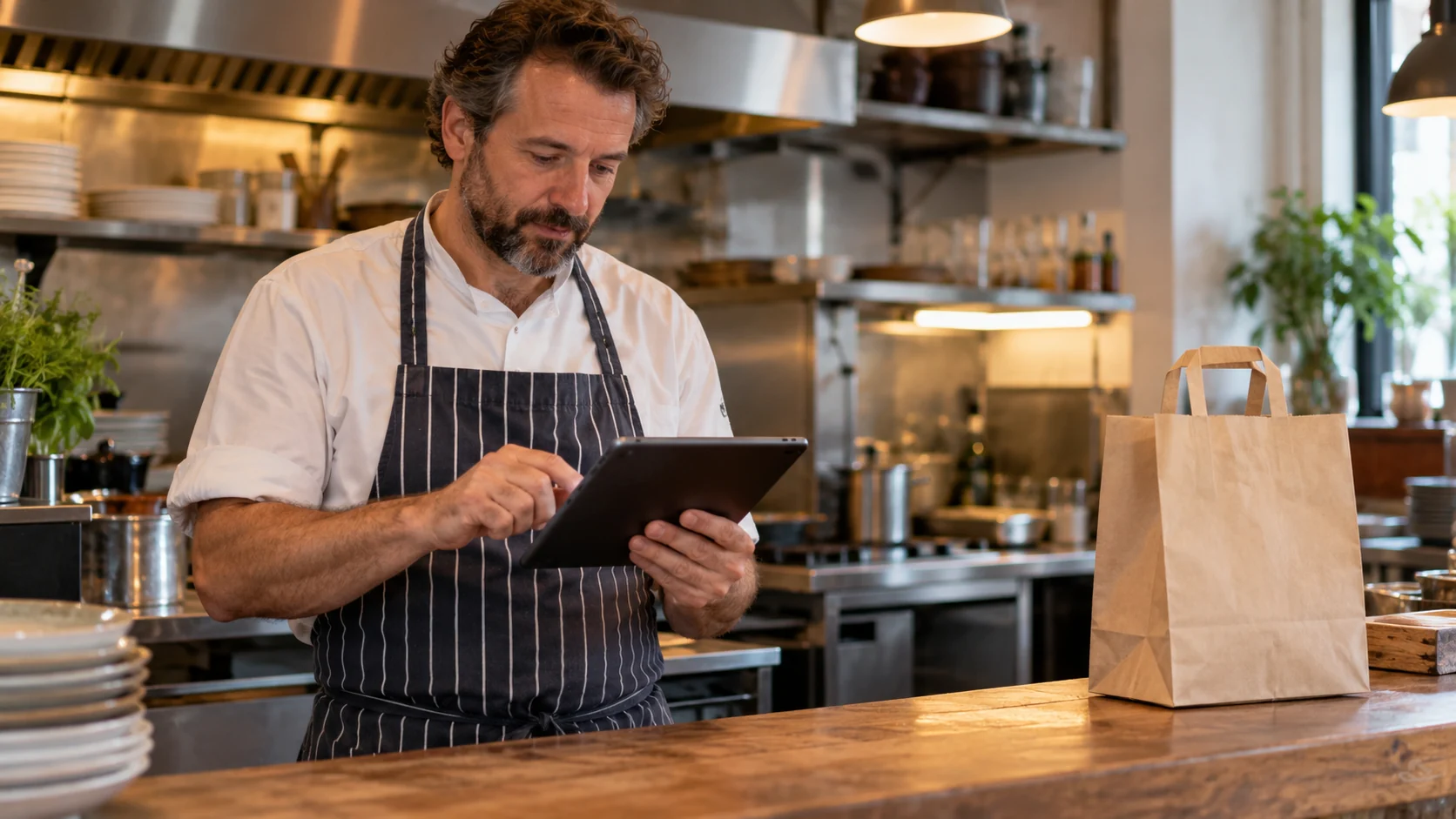
Cover image: AI-generated illustrative scene.
1. Map the current order before replacing anything
Follow an ordinary order from menu selection to payment, restaurant receipt, preparation and handover. Write down each system and device involved. Identify who handles a missing order, an unavailable item or a request to change the delivery details.
Do the same for orders received by telephone or in person. Adding a channel while keeping separate menus and staff queues can create more work unless someone owns the combined process.
The existing restaurant website guide covers presentation, practical information and booking. An ordering project needs an additional specification for the transaction and kitchen workflow.
2. Compare the routes using the same questions
The following matrix is a buying framework, not a claim that one route is always cheaper or more effective.
| Decision | Marketplace listing | Provider-hosted direct ordering | Website integration or custom workflow |
|---|---|---|---|
| Arrival route | Review how the listing is found | Name your website, social or customer links | Name the audience and promotion route |
| Menu authority | Confirm where changes are made | Confirm supported menu and modifier updates | Specify which system controls each change |
| Kitchen receipt | Demonstrate the actual device and process | Demonstrate the supported connection | Scope receipt, acknowledgement and exceptions |
| Fulfilment | Check the contracted delivery or collection arrangement | Confirm included and optional arrangements | Assign fulfilment responsibilities explicitly |
| Support | Identify who handles each incident | Separate provider and restaurant tasks | Define support across connected systems |
Ask for the full commercial and operating terms in writing. Compare setup, recurring services, transaction-related charges, hardware and support without assuming that a direct channel has no continuing costs.
An established service may cover the need. For example, Deliverect's UK ordering page describes branded ordering and collection or delivery choices. Check the actual contract, location eligibility and integration requirements before treating a product description as a solution for your restaurant.
3. Agree menu and modifier ownership
Choose where staff change dishes, prices, options and availability. If an ordering provider and your existing till both hold a menu, ask which is authoritative and how a change reaches the other channel.
Demonstrate one item with required choices and optional extras. Check the customer summary and the kitchen ticket. Similar-looking labels can become confusing when staff receive a shortened or differently arranged version.
Make unavailable items and service windows part of the test. Staff should know how to stop further orders for an item without relying on someone who is absent during service. The restaurant must supply and approve its menu information.
4. Specify timing against kitchen capacity
Opening hours do not necessarily describe the times at which every order can be prepared or handed over. Identify preparation time, scheduled orders, closing boundaries and any capacity restrictions your team needs.
Square's UK pickup guidance documents preparation and capacity settings, fulfilment hours and different ticket-printing timing options. It shows why a supplier should demonstrate these settings against the kitchen's process rather than merely turn on an ordering button.
Do not copy another venue's time promise. Agree who can adjust timing when the kitchen is busy and what the customer sees when that happens.
5. Prove restaurant receipt separately from payment
A customer may complete a payment step while staff remain uncertain whether the order reached the kitchen. Define how the system detects and displays that situation and who resolves it.
For a hypothetical takeaway, the acceptance exercise might involve a normal order, a required modifier, a future collection time and an unavailable dish. This is a planning example, not a Nolixia restaurant implementation.
Compare the customer confirmation with the staff record: items, options, payment status, fulfilment method, reference and promised timing should describe the same order. Avoid requiring staff to reconstruct missing details from a separate message.
6. Rehearse a busy-service exception
Ask the supplier and restaurant team to test:
- A required choice is omitted or an item becomes unavailable.
- An order is attempted outside the supported service window.
- A capacity setting changes the available time.
- Payment completes but the expected staff device does not show the order.
- The kitchen printer or tablet loses its connection.
- A customer submits again after an uncertain response.
- An order needs a change, cancellation or refund request handled through the agreed route.
- The completed order is handed to the correct collection or delivery recipient.
Use labelled test data and record the expected staff action for each case. A working payment screen alone does not establish a working restaurant channel.
Prepare an ordering brief for Nolixia
Bring your existing menu/provider, till or POS details, order-receipt devices, service windows, fulfilment arrangement and one awkward modifier example. Explain which channel currently causes work and how intended customers will reach a direct route.
Explore Nolixia's ecommerce website services, then send your restaurant ordering requirements. We can discuss a suitable website and integration scope after reviewing the actual systems. Keep customer reach, ordering and kitchen acceptance in the same project conversation.