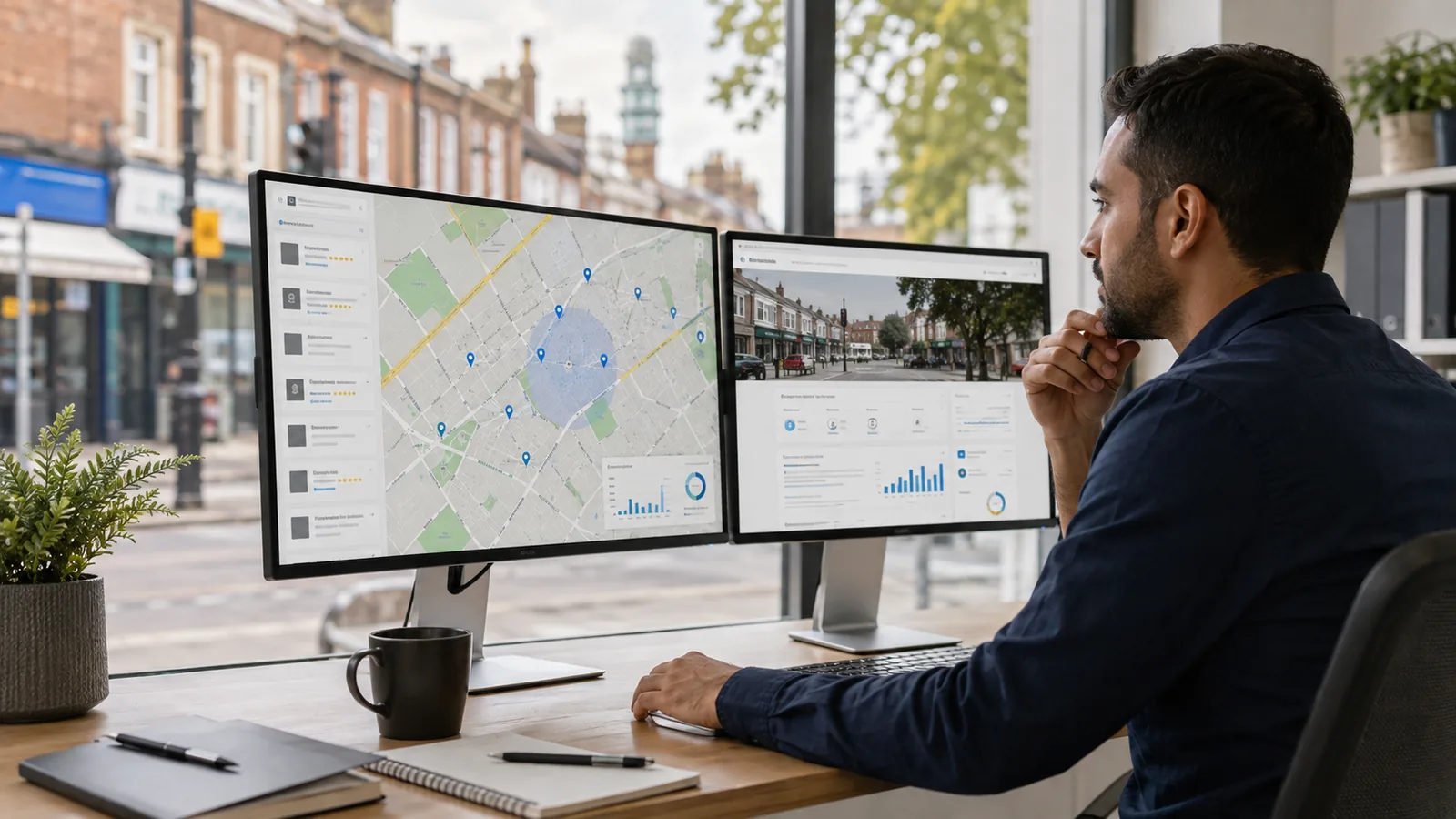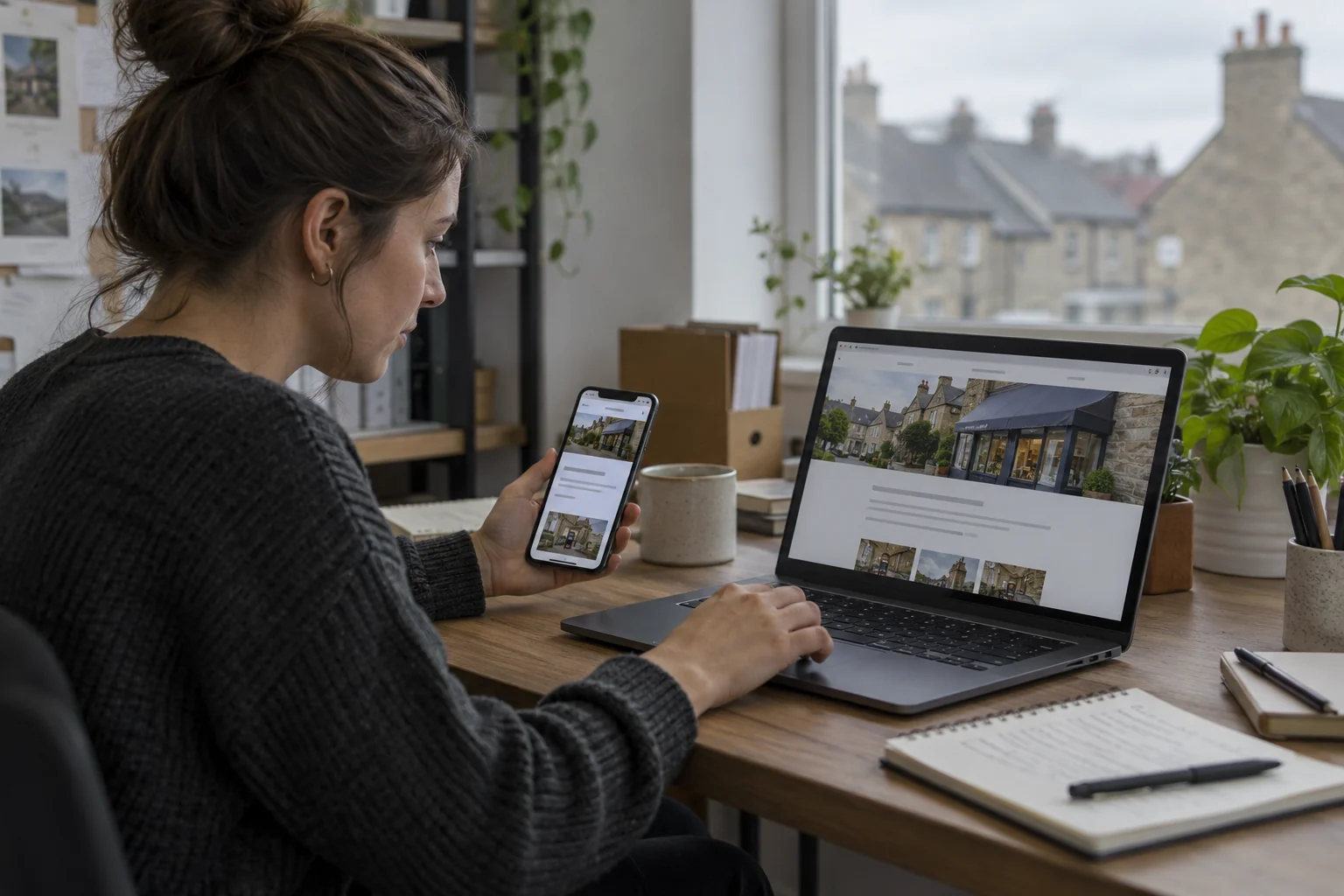
On-page SEO is the work of making a page’s purpose, content and connections clearer. For a small business service page, start with the customer’s task: understanding a service and deciding whether to contact you.
This checklist applies the purpose of business SEO (https://nolixia.com/blog/why-seo-is-important-for-your-business-website) to one service page.
Give the page a specific job
Choose the service or question it should answer. Confirm that the business genuinely provides it and identify any relevant coverage limits. Keep unrelated services on their appropriate pages, connected by links where useful.
The content should explain what the customer receives, important exclusions, relevant evidence and the next step. A phrase repeated throughout a vague page does not replace those details.
Write a clear title and main heading
As an illustrative revision, change a title such as “Services” to “Carpet Fitting in Birmingham | Example Company” when that accurately describes the page. Replace “Example Company” with the real business and use only locations genuinely served.
Google recommends descriptive, concise titles and may generate the displayed search title from several sources. There is no fixed character count that guarantees the full title will appear on every device.
Make the main visible heading easy to identify. Use section headings to organise the questions that follow, rather than adding headings simply to repeat the same phrase.
Answer the next customer questions
For a fitting service, useful information may include preparation, measuring, materials supplied, booking and what happens after an enquiry. Use real business details and explain uncertainties instead of inventing a price or completion promise.
Write a page-specific meta description that summarises the offer. Google can use page content to create a different snippet for a particular search, so the description is a preference rather than an instruction controlling every result.
Connect useful pages and assets
Link to related information when it helps the reader proceed. Use descriptive text, such as “prepare for your measuring appointment”, instead of repeating a long keyword everywhere. There is no required quota of three incoming or outgoing links.
Include relevant images at appropriate sizes. Describe informative images for people who cannot see them; decorative images generally do not need a descriptive sentence. Do not stuff place names into alternative text that no longer describes the image.
Work through one illustrative service-page revision
The following example is fictional. Assume a carpet fitter serves domestic customers in Birmingham, fits customer-supplied carpets and uses an enquiry form to discuss each job. These are example assumptions, not claims about Nolixia or an actual fitting company. Replace them with verified facts before using the pattern on a real website.
| Page element | Vague starting point | More useful example or check |
|---|---|---|
| Title and main heading | “Services” | “Carpet Fitting in Birmingham” identifies the assumed service and area. Add the real business name appropriately in the page title. |
| Opening answer | “Quality solutions at the best prices” | “We fit customer-supplied carpets in homes in Birmingham. Send your postcode and a description of the rooms so we can discuss the job.” Use this only if those facts and that enquiry process are true. |
| Service boundaries | “We handle everything” | State who supplies materials, what preparation is required and which work needs a separate assessment. Confirm the details with the business. |
| Evidence | “The most trusted team” without support | Use authorised photographs with accurate captions and explain the business’s actual role. Keep design concepts and fictional examples clearly labelled. |
| Customer questions | Only “Contact us” | Explain the measuring process, what information helps assess the request and what the customer should expect next. Do not invent a fixed price or response time. |
| Useful links | The same broad keyword on every link | Link a preparation question to the relevant preparation guide and a fitting enquiry to the actual contact route. Create neither a broken link nor a new page just for the example. |
| Mobile enquiry check | The button looks correct in a screenshot | Follow the link on a phone, check labels and feedback, then confirm the business receives the labelled test. |
This is a content and task improvement example, not evidence of a ranking increase. Record what changed and what the customer can now understand or complete. Use the SEO audit checklist when you need to inspect the wider site, and the SEO measurement guide to review relevant search and enquiry evidence afterwards.
If the service details or enquiry route need implementation, contact Nolixia with the page address and the specific improvement required. The services page explains the website work currently offered.
Test the page and review evidence
Open it on a phone. Read it, follow its links and complete the contact journey. Check the destination of the enquiry rather than stopping at the success message.
Record the revision date, then review relevant queries and enquiry quality after allowing time for processing.
Sources
Google title guidance: https://developers.google.com/search/docs/appearance/title-link
Google snippet guidance: https://developers.google.com/search/docs/appearance/snippet
Google link guidance: https://developers.google.com/search/docs/crawling-indexing/links-crawlable