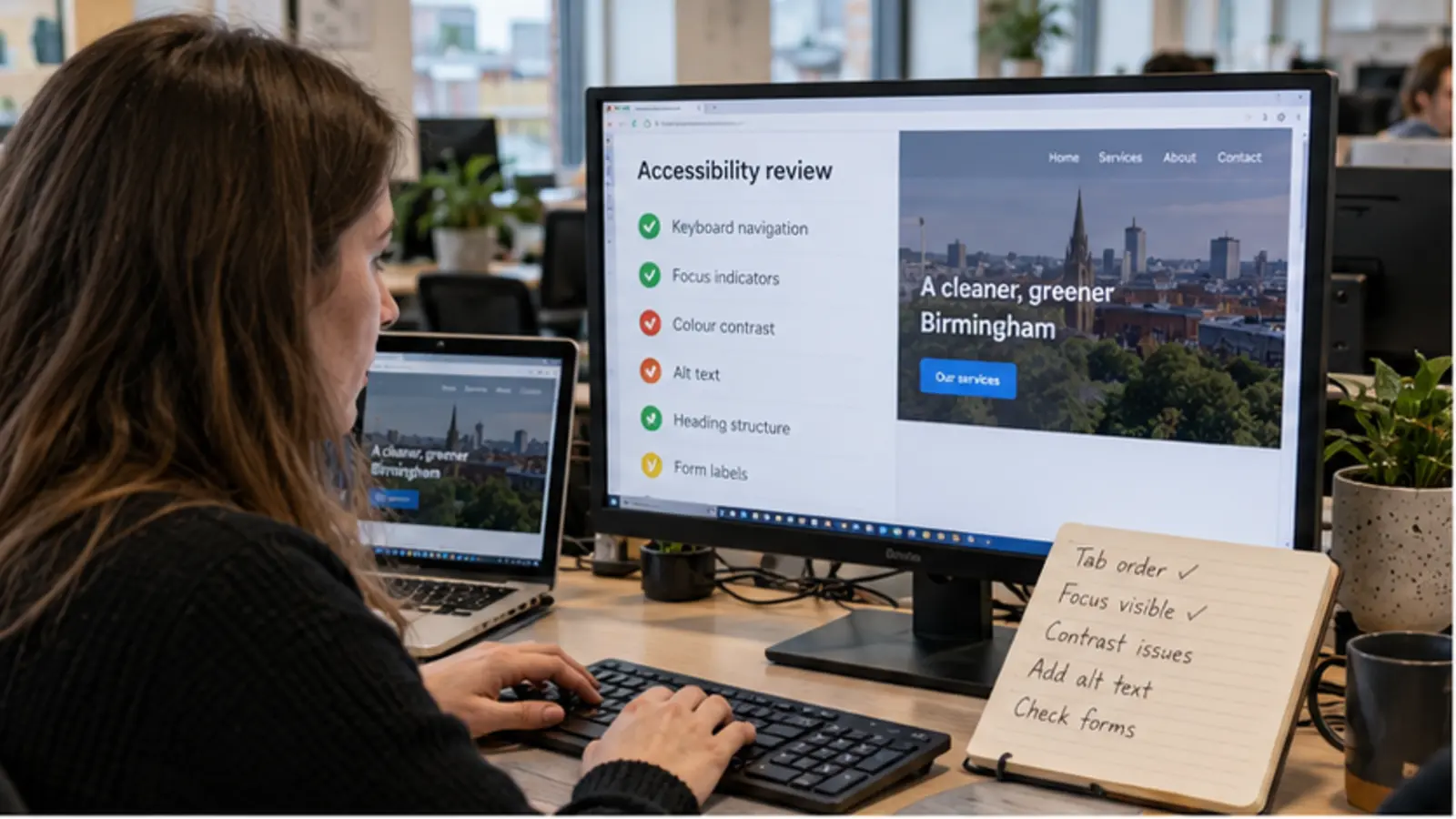
Search visibility for website accessibility UK starts with a page that genuinely resolves the searcher’s question. A practical introduction to readable content, keyboard use, form labels and inclusive website decisions for UK businesses.
For how website accessibility improves everyday use, the page should explain heading structure and keyboard access before asking the visitor to act. That makes it specific to the subject rather than a general sales page with a keyword added to the heading.
Plan Around Real Customer Needs
Start with the customer’s decision
Use customer language where it is accurate. Internal industry terms are less helpful when searchers use simpler wording. That understanding should influence navigation, page order and headings before detailed visual work begins.
A common mistake is treating accessibility as a final automated score. A more dependable approach is testing real tasks with different ways of using the page. This creates a page with a recognisable purpose instead of content assembled only to contain search phrases.
Define the Important Website Requirements
Build the essential information
The most useful requirements for this type of website normally include heading structure, keyboard access and colour contrast. They should not be hidden inside one long homepage. Important subjects deserve clear sections or separate pages when visitors need enough detail to make a decision.
Add form labels and alternative text where they support the journey. Every claim should be accurate, and any location, qualification, availability or guarantee should be used only when the business can verify it.
Design for Mobile Visitors
Make mobile use simple
Complete the same task on desktop and mobile, then remove any step that adds friction without collecting useful information. Use readable paragraphs, properly sized WebP images and controls that are easy to operate by touch. The mobile version should retain important information rather than hiding it to make the layout appear cleaner.
Our existing guide provides a broader mobile checklist: https://nolixia.com/blog/why-mobile-friendly-website-design-matters-for-b11-businesses
Create a Search-Friendly Structure
Support search visibility naturally
Match the depth of the answer to the question. A narrow query does not need filler added simply to reach a word count. The focus phrase can appear in the title, introduction and one useful heading, while related language develops the subject naturally. Exact repetition in every paragraph makes the page less readable and does not add expertise.
For this UK-wide website quality subject, give a complete national answer and reserve city references for pages that genuinely serve those locations. Connect this article to the most relevant service, project and supporting guide instead of placing the same list of links everywhere.
Check Accuracy and Performance
Review before publishing
Record the publication date and schedule a review when services, technology or customer questions are likely to change. Then verify spelling, headings, contact information and page behaviour across current browsers.
After publishing “How Website Accessibility Improves Everyday Use”, use Google Search Console to observe impressions for website accessibility UK and related queries. Combine that evidence with enquiries and page behaviour. Search performance can take time, so improve missing information instead of changing the focus every few days.
Related Nolixia Resources
Explore Nolixia’s website services at https://nolixia.com/services
See relevant design and development work at https://nolixia.com/blog/why-mobile-friendly-website-design-matters-for-b11-businesses
For businesses considering website accessibility UK, Nolixia creates responsive websites and practical digital tools in Birmingham and across the UK. Projects can include heading structure, keyboard access and the supporting systems needed to keep the website useful after launch.